Customer Site Setting
Customer Site Settings
Customer Site Settings allow administrators to configure how customers interact with the restaurant’s online interface. These settings control ordering behavior, table management, waiter requests, and customer-facing features available on the restaurant website.
1. Order Settings
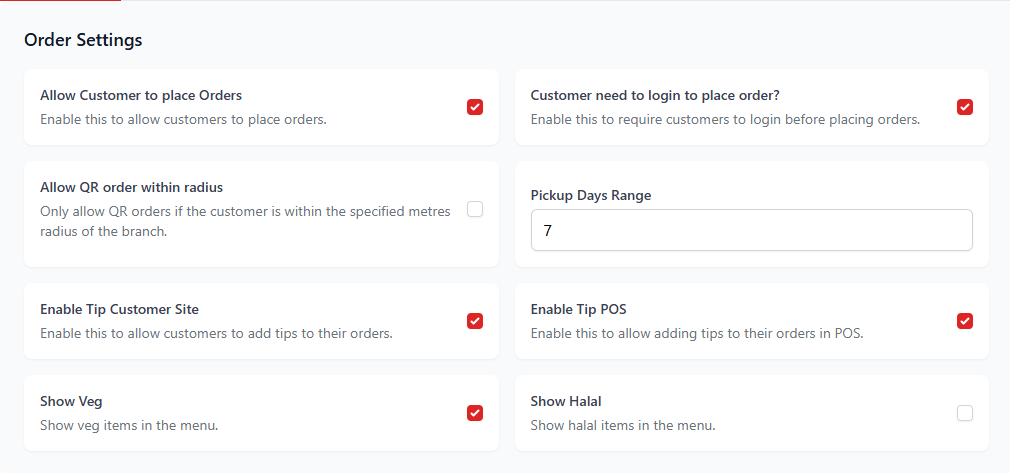
Order settings control how customers place orders from the customer site.
| Setting | Description |
|---|---|
| Allow Customer to Place Orders | Allows customers to place orders directly from the customer site. |
| Customer Need to Login | Requires customers to log in before placing orders. |
| Allow QR Order within Radius | Allows QR orders only when customers are within a defined distance of the restaurant. |
| Pickup Days Range | Defines how many days in advance customers can schedule pickup orders. |
| Enable Tip Customer Site | Allows customers to add tips while placing orders. |
| Enable Tip POS | Allows staff to add tips through the POS system. |
| Show Veg | Displays vegetarian item indicators on the menu. |
| Show Halal | Displays halal item indicators on the menu. |
2. Call Waiter Settings
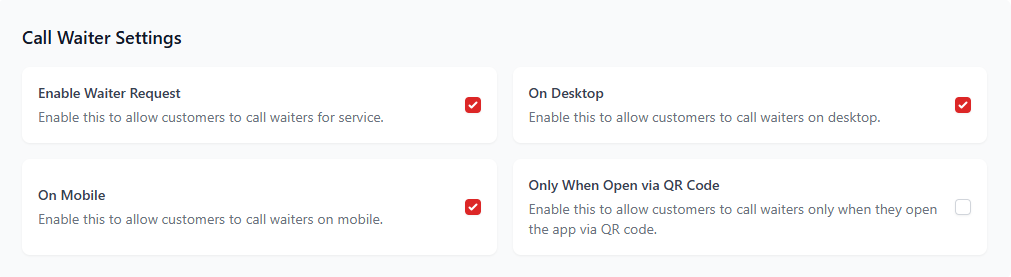
The Call Waiter feature allows customers to request assistance directly from their table.
| Setting | Description |
|---|---|
| Enable Waiter Request | Allows customers to call waiters for service. |
| On Desktop | Allows waiter requests from desktop devices. |
| On Mobile | Allows waiter requests from mobile devices. |
| Only When Open via QR Code | Allows waiter requests only when the customer opens the app via QR code. |
3. Order Confirmation Settings

Order confirmation settings determine whether orders are automatically confirmed by the system.
| Setting | Description |
|---|---|
| Enable Auto Confirm Orders | Automatically confirms customer orders without manual staff approval. |
4. Dine-in Settings
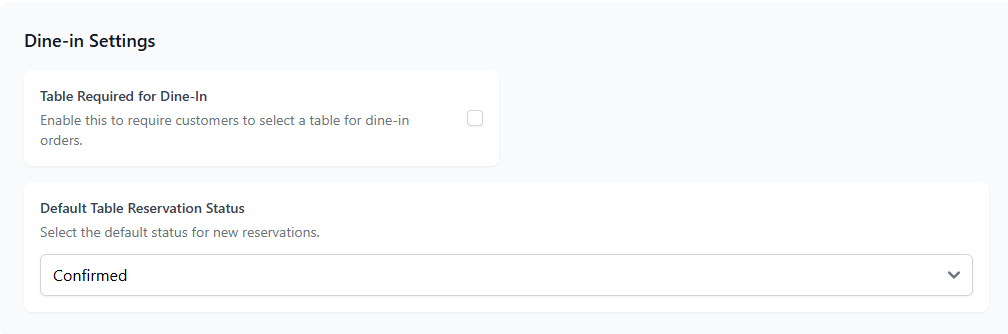
Dine-in settings control how table-based ordering works on the customer site.
| Setting | Description |
|---|---|
| Table Required for Dine-in | Requires customers to select a table before placing dine-in orders. |
| Default Table Reservation Status | Defines the default status for new reservations. |
5. PWA Settings

PWA (Progressive Web App) settings allow customers to install the restaurant website as a mobile application.
| Setting | Description |
|---|---|
| Enable PWA App | Allows customers to install the restaurant site as an app on their devices. |
6. Table Settings
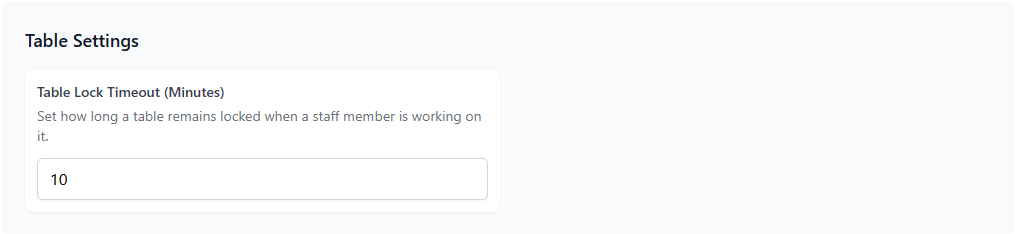
Table settings define how tables behave in the customer ordering system.
| Setting | Description |
|---|---|
| Table Lock Timeout | Defines how long a table remains locked while a staff member is working on it. |
7. Social Media Links
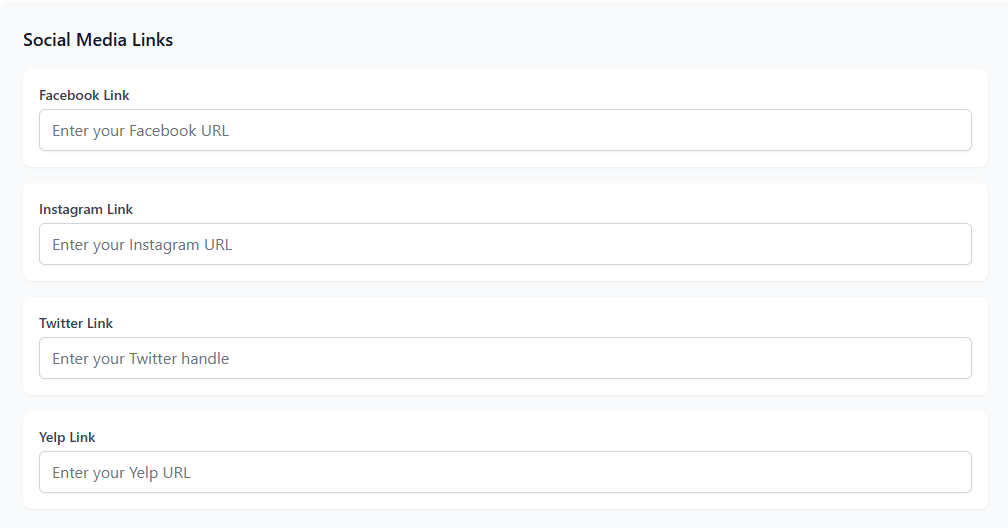
Add social media links so customers can easily connect with the restaurant online.
8. SEO Settings
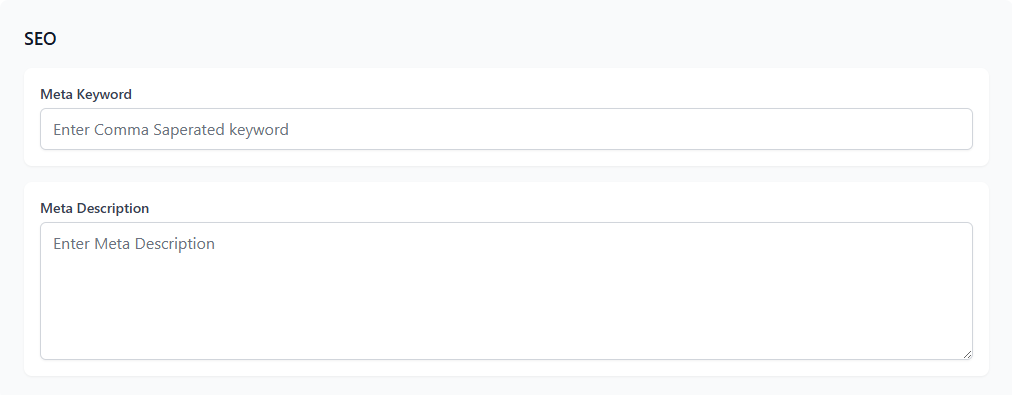
SEO settings help improve the visibility of the restaurant website in search engines.
9. WiFi Settings
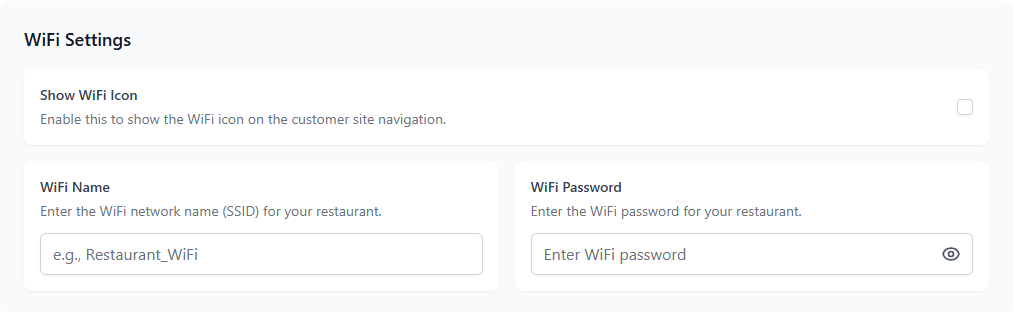
WiFi settings allow restaurants to share WiFi credentials with customers directly on the customer site.