Reservation Dashboard
Reservation Dashboard
The Reservation Dashboard allows restaurant staff to manage customer bookings, track reservation status, assign tables, and monitor upcoming dining schedules from one centralized interface.
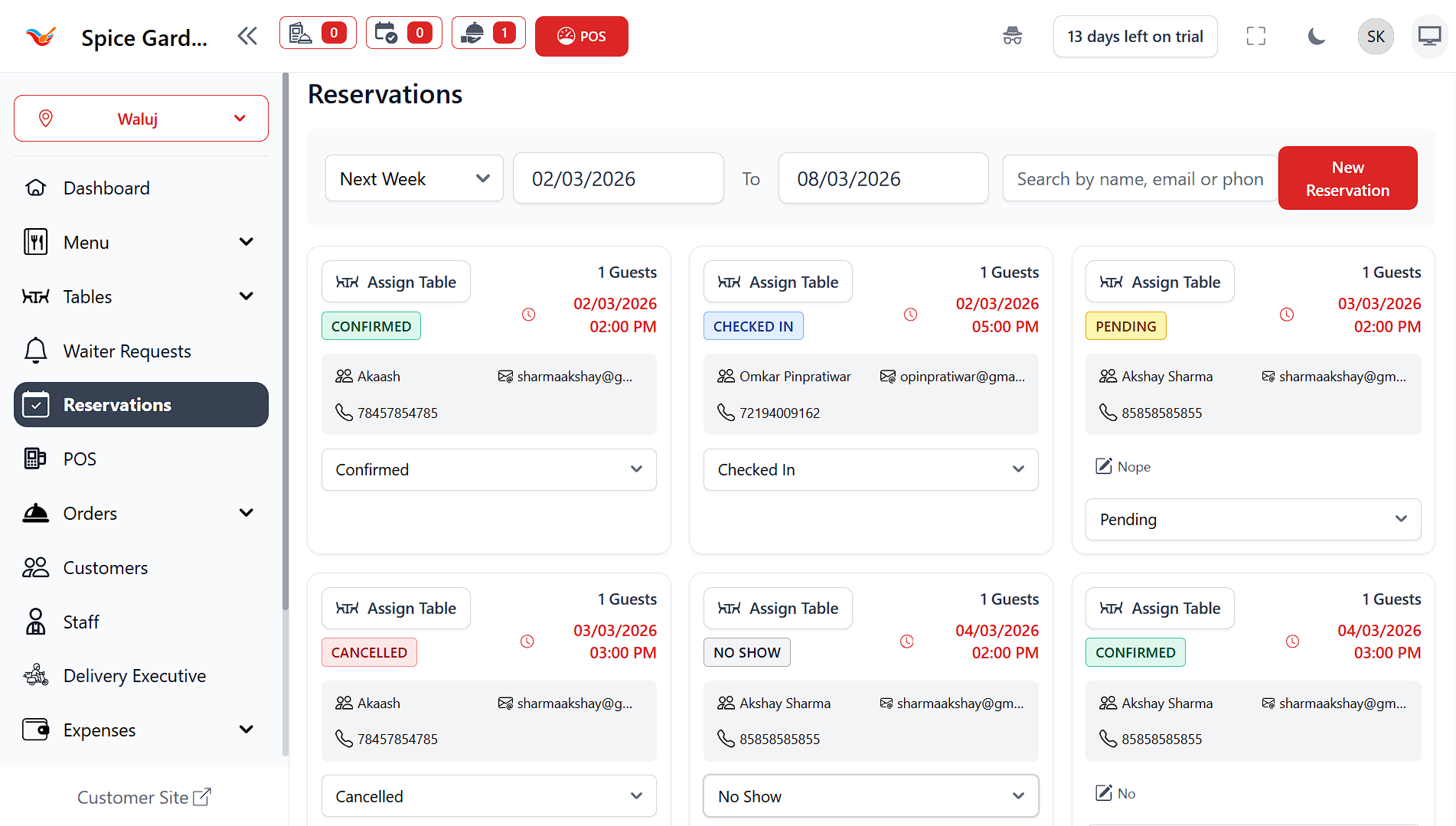
Overview
The Reservations Dashboard provides a visual card-based layout showing all customer bookings within the selected date range. Each reservation card contains guest details, reservation timing, booking status, and operational actions.
Reservations update in real-time as new bookings are created or statuses change.
Date & Search Filters
Date Range Selector
Allows filtering reservations by predefined ranges such as:
- Current Week
- Next Week
- Custom Date Range
Search Bar
Search reservations instantly using:
- Customer Name
- Email Address
- Phone Number
New Reservation Button
Opens the reservation creation panel to add a new booking manually.
Reservation Cards
Each reservation appears as an individual card displaying complete booking details.
- Guest Count — Number of diners.
- Date & Time — Scheduled reservation slot.
- Customer Information — Name, email, and phone number.
- Assign Table — Link reservation to a dining table.
- Status Label — Current reservation progress.
Reservation Status Management
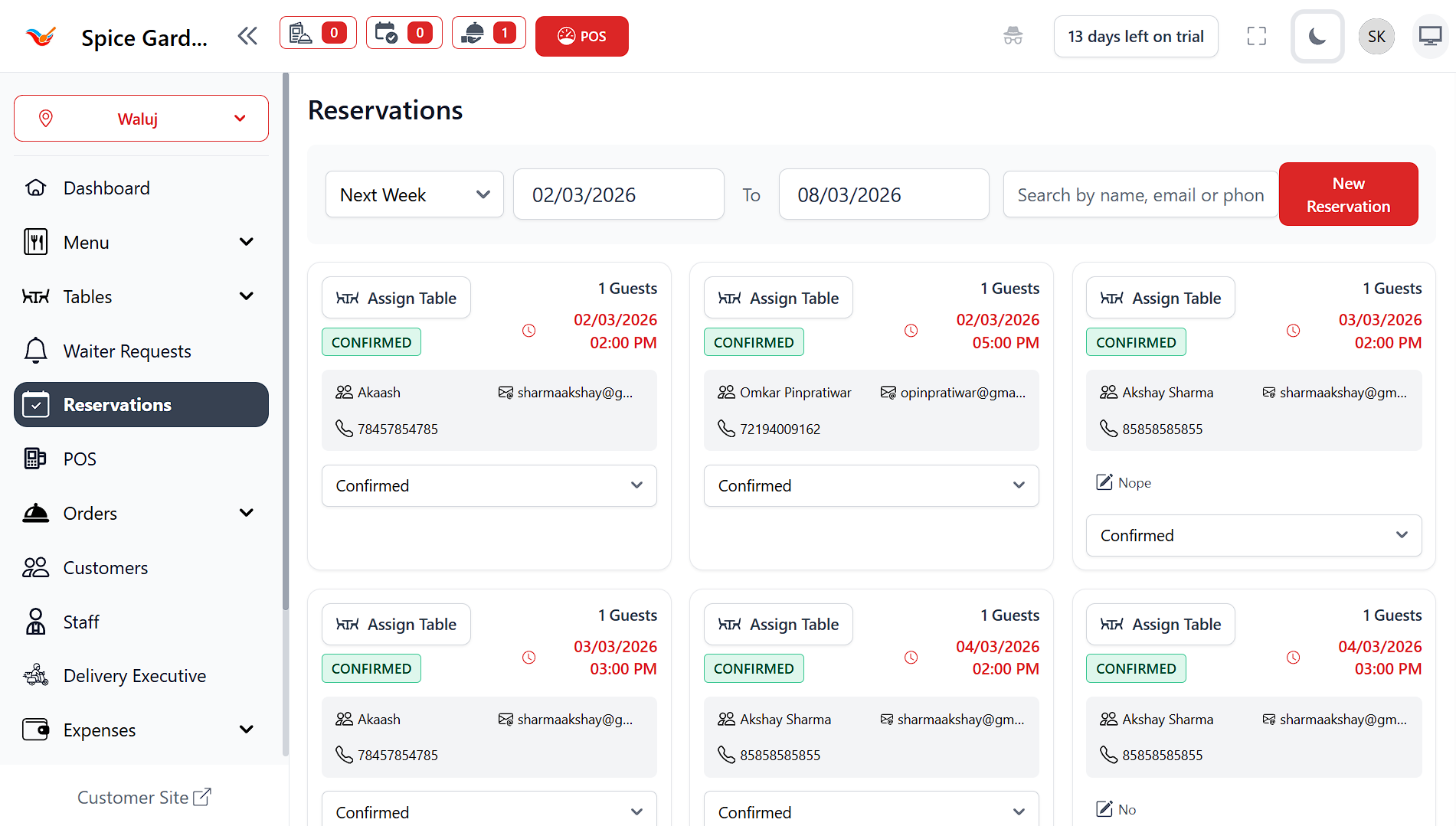
The system supports multiple reservation statuses:
- Confirmed — Reservation approved.
- Checked In — Guest has arrived.
- Pending — Awaiting confirmation.
- Cancelled — Reservation cancelled.
- No Show — Guest did not arrive.
Updating reservation status helps staff manage table availability efficiently.
Assign Table to Reservation
The Assign Table button links a reservation with an available table inside the restaurant layout.
- Prevents table conflicts
- Improves seating organization
- Synchronizes with POS dine-in orders
Why the Reservation Dashboard is Important
- Reduces waiting time for customers
- Improves seating management
- Helps staff prepare in advance
- Prevents double bookings
- Provides clear operational visibility
Always update reservation status after customer arrival to maintain accurate table availability.