Order Settings
Order Settings
Order Settings allow administrators to configure how orders are created, displayed, and processed in the system. These settings help restaurants customize order numbering, order types, token systems, and integrations with delivery platforms.
1. Prefix Settings
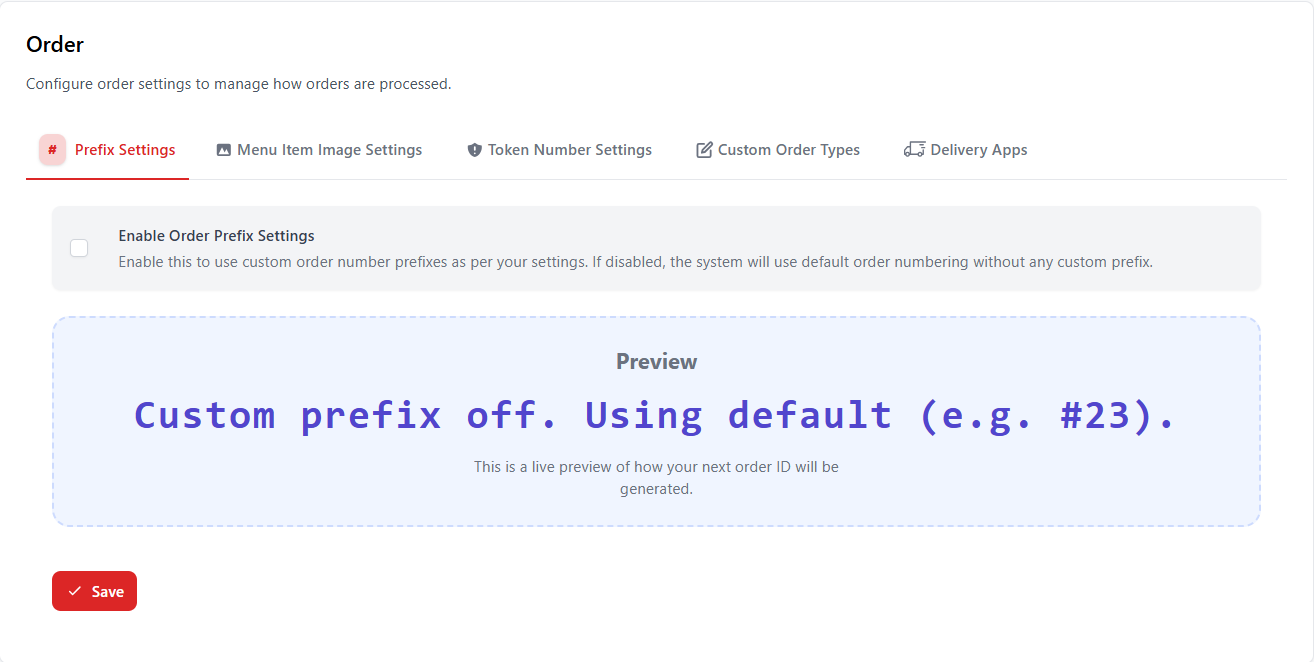
Prefix Settings allow restaurants to customize how order numbers appear in the system. Instead of using only numeric values, administrators can add custom prefixes to identify orders easily.
| Setting | Description |
|---|---|
| Enable Order Prefix Settings | Allows the system to use custom prefixes for order numbers. |
| Preview | Shows how the next order number will appear. |
2. Menu Item Image Settings
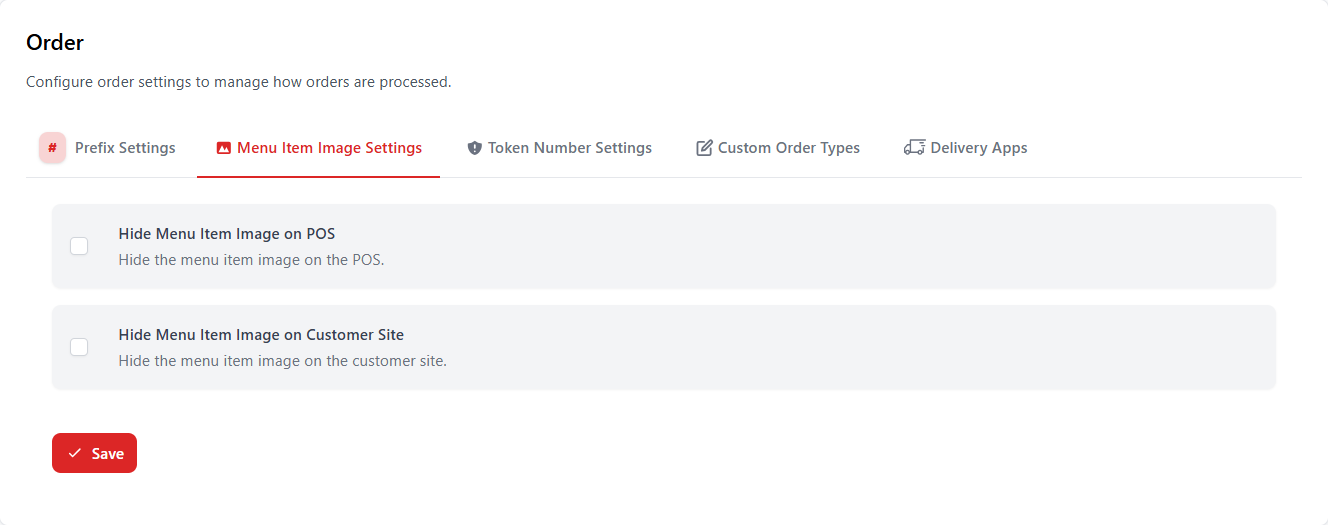
Menu Item Image Settings control whether food item images appear in the POS interface and on the customer ordering site.
| Option | Description |
|---|---|
| Hide Menu Item Image on POS | Removes item images from the POS system to improve performance. |
| Hide Menu Item Image on Customer Site | Removes item images from the customer ordering interface. |
3. Token Number Settings
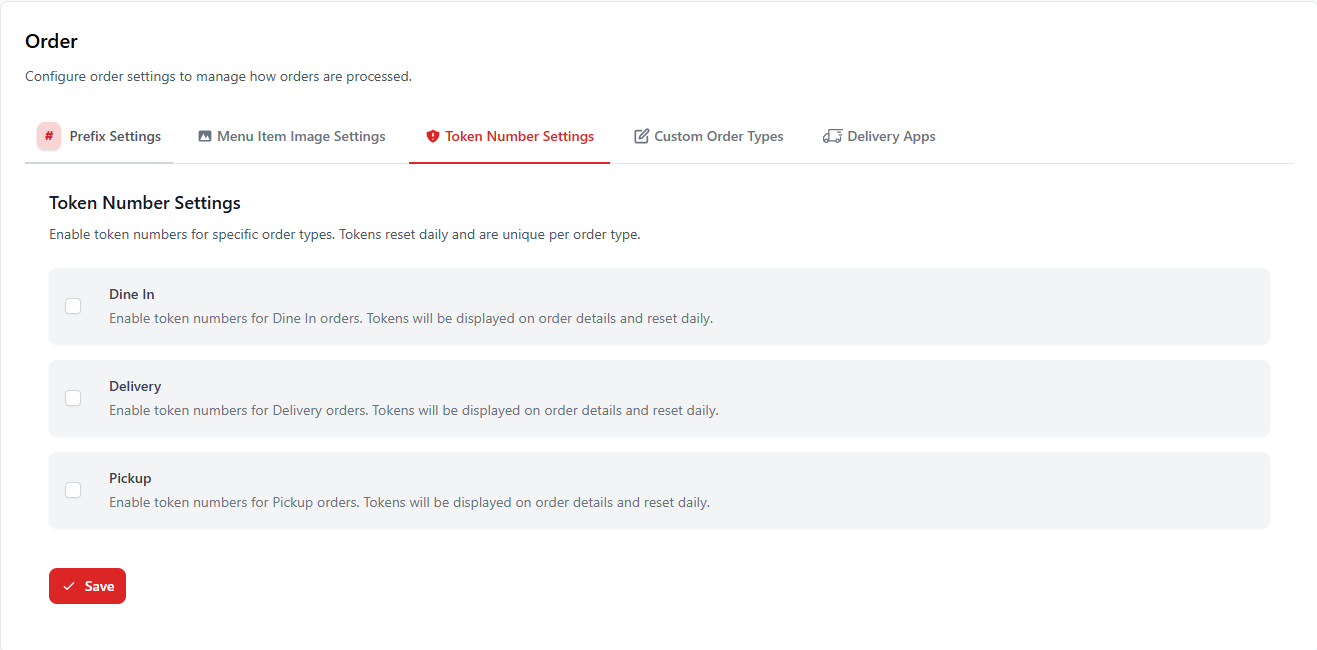
Token numbers help restaurants manage order queues efficiently. Tokens reset daily and can be enabled for specific order types.
| Order Type | Description |
|---|---|
| Dine In | Generates token numbers for dine-in orders. |
| Delivery | Generates token numbers for delivery orders. |
| Pickup | Generates token numbers for takeaway orders. |
4. Custom Order Types
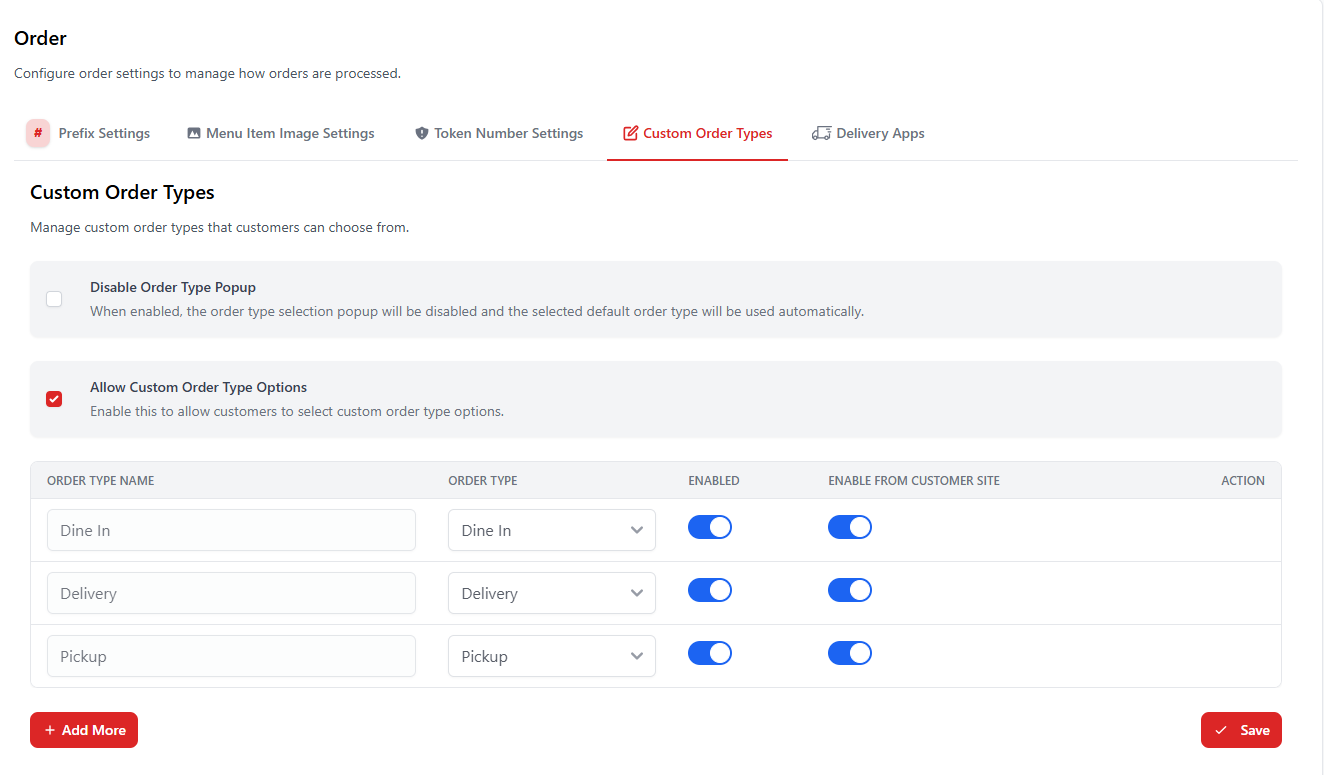
Custom Order Types allow restaurants to define additional order categories beyond the default ones such as dine-in, delivery, and pickup.
| Feature | Description |
|---|---|
| Disable Order Type Popup | Automatically selects the default order type without showing a popup. |
| Allow Custom Order Type Options | Allows restaurants to create custom order types. |
| Enable from Customer Site | Allows customers to select the order type from the online ordering site. |
5. Delivery Apps
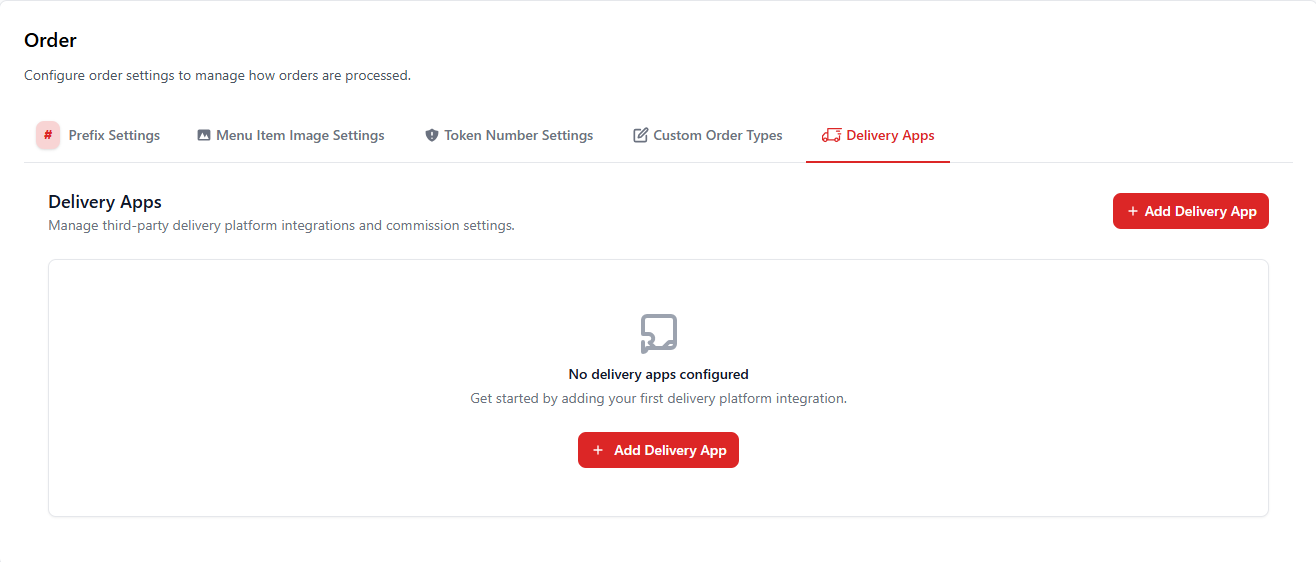
Delivery Apps settings allow restaurants to integrate third-party delivery platforms. Administrators can connect delivery services and configure commission or order flow settings.
| Option | Description |
|---|---|
| Add Delivery App | Connect a new third-party delivery platform. |
| Manage Integrations | View and manage connected delivery platforms. |
Best Practices
- Use order prefixes to easily identify order types.
- Enable token numbers to manage high-volume order queues.
- Disable menu item images on POS if the system needs faster performance.
- Use custom order types to match your restaurant workflow.
- Integrate delivery apps for centralized order management.