Profile Settings
Restaurant Profile
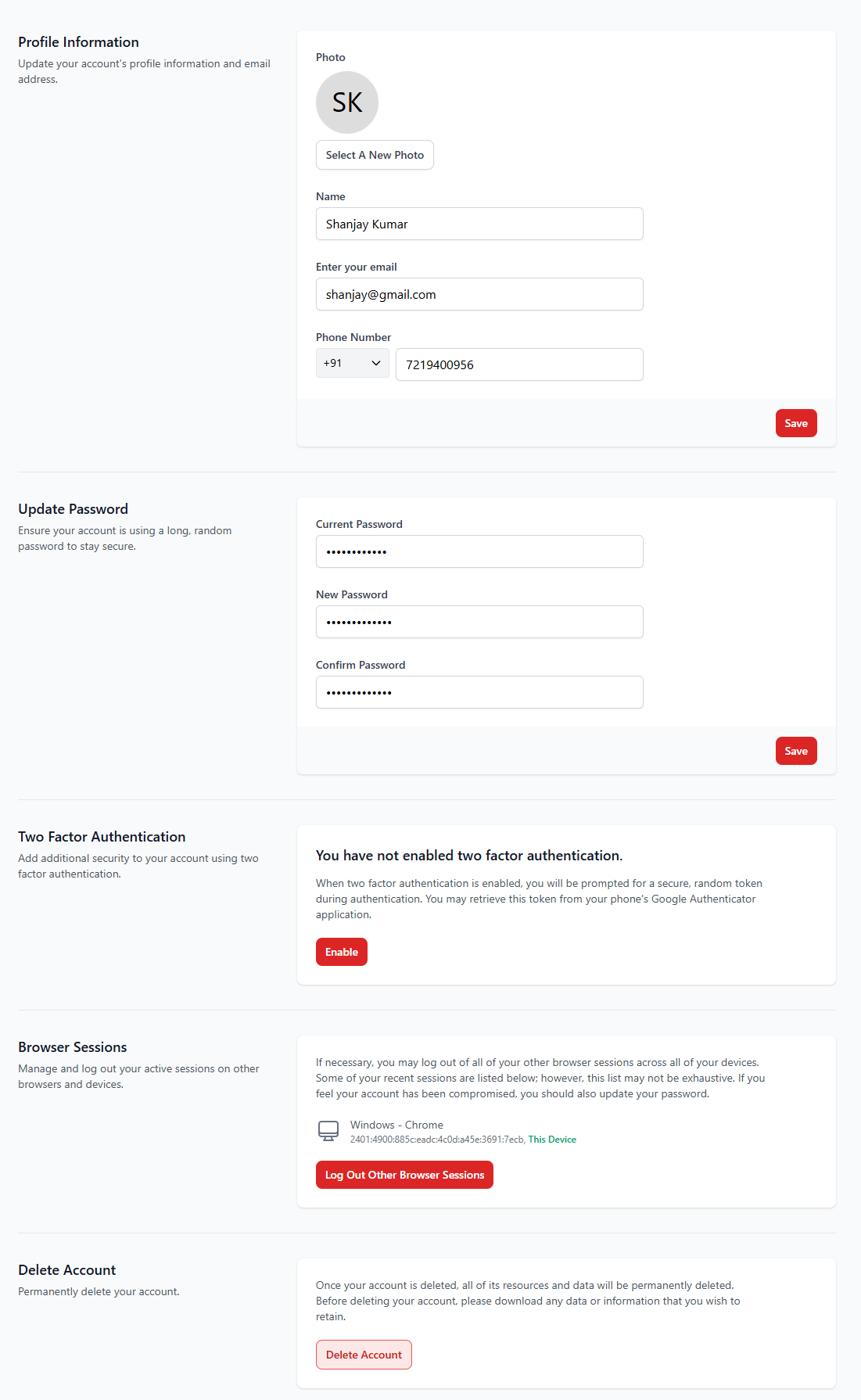
The Restaurant Profile section allows administrators to manage their personal account and profile information associated with the restaurant system. From this section, users can update profile details, change passwords, manage security settings, and control account access.
1. Profile Information
This section allows users to update their personal profile details such as name, email address, phone number, and profile photo.
| Field | Description |
|---|---|
| Name | Displays the user's name associated with the account. |
| The email address used to log in to the system. | |
| Phone Number | Contact number for the user account. |
| Profile Photo | Upload or change the profile picture for the account. |
2. Update Password
The password update section allows users to change their account password for security purposes.
| Field | Description |
|---|---|
| Current Password | Enter the existing password to verify identity. |
| New Password | Enter the new password you want to use. |
| Confirm Password | Re-enter the new password for confirmation. |
3. Two Factor Authentication
Two-factor authentication (2FA) adds an additional layer of security to your account. When enabled, users must enter a verification code generated by an authentication app during login.
- Provides stronger protection against unauthorized access.
- Works with authentication apps such as Google Authenticator.
- Requires a verification code along with the password.
4. Browser Sessions
The Browser Sessions section allows users to view and manage their active login sessions across different devices and browsers.
- Displays currently active sessions.
- Allows users to log out from other devices.
- Helps protect the account if suspicious activity is detected.
5. Delete Account
The Delete Account option permanently removes the user account from the system along with all associated data and resources.
- This action cannot be undone.
- All account data will be permanently deleted.
- Users should download any important data before deletion.
Best Practices
- Always use a strong and unique password.
- Enable Two-Factor Authentication for additional security.
- Regularly review active browser sessions.
- Avoid sharing login credentials with unauthorized users.